 1bcc6c8b2b
- Simplify `README.md` by creating and moving some documentation to
`architecture.md`.
- Add more documentation for state handling between layers.
- Improve some documentation to use clearer language.
6.2 KiB
privacy.sexy
Enforce privacy & security best-practices on Windows and macOS, because privacy is sexy 🍑🍆












Get started
- Online version at https://privacy.sexy
- 💡 No need to run any compiled software on your computer.
- Alternatively download offline version for Windows, macOS or Linux.
- 💡 Single click to execute your script.
- ❗ Come back regularly to apply latest version for stronger privacy and security.
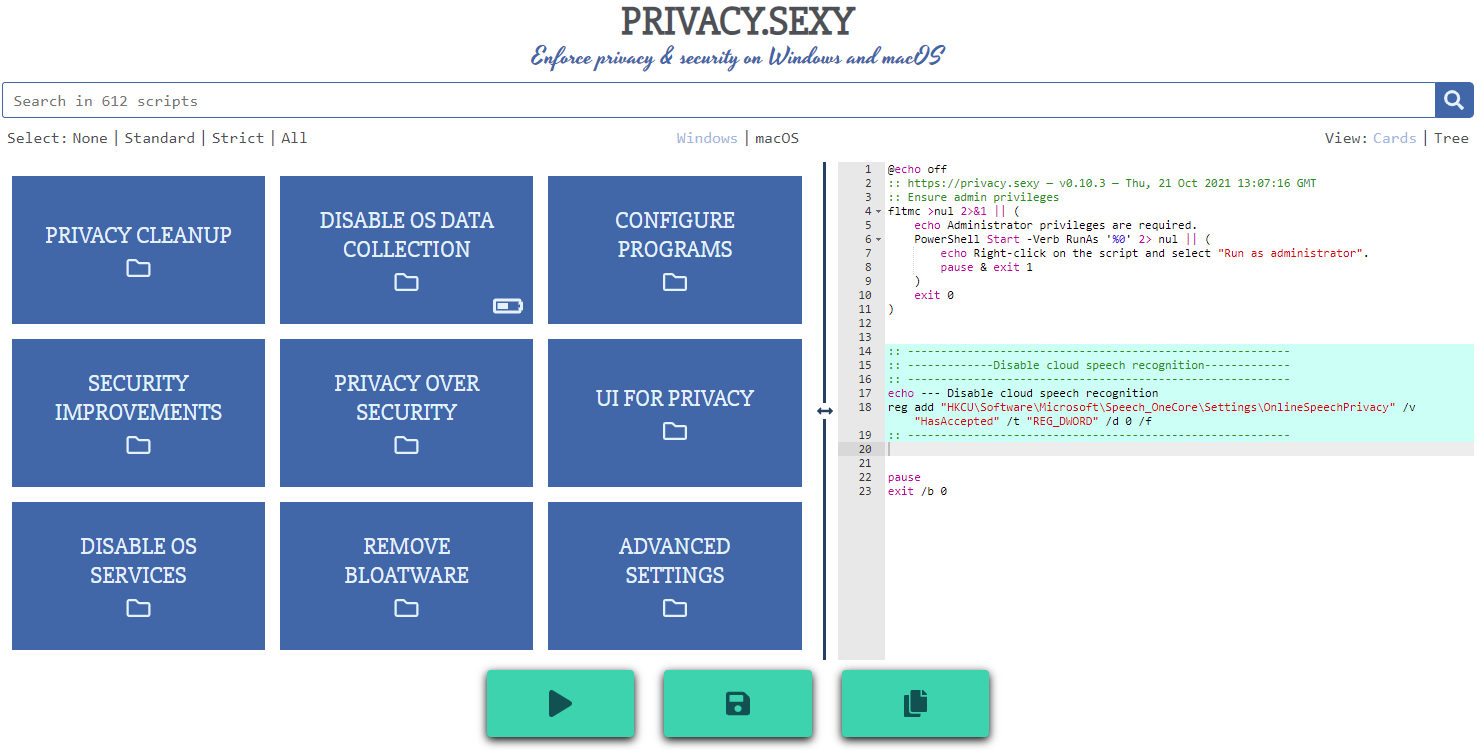
Why
- Rich tweak pool to harden security & privacy of the OS and other software on it
- Free (both free as in beer and free as in speech)
- No need to run any compiled software that has access to your system, just run the generated scripts
- Have full visibility into what the tweaks do as you enable them
- Ability to revert (undo) applied scripts
- Everything is transparent: both application and its infrastructure are open-source and automated
- Easily extendable with own powerful templating language
- Each script is independently executable without cross-dependencies
Extend scripts
- You can either create an issue
- Or send a PR:
- Fork the repository
- Add more scripts in respective script collection in collections folder.
- 📖 If you're unsure about the syntax you can refer to the collection files | documentation.
- 🙏 For any new script, please add
revertCodeanddocsvalues if possible.
- Send a pull request 👌
Development
See development.md for Docker usage, running/building application, development best-practices along with other information related to development of this project.
Architecture
Check architecture.md for an overview of design and how different parts and layers work together. You can refer to application.md for a closer look at application layer codebase and presentation.md for code related to GUI layer. collection-files.md explains the YAML files that are the core of the application and templating.md documents how to use templating language in those files. In ci-cd.md, you can read more about the pipelines that automates maintenance tasks and ensures you get what see.